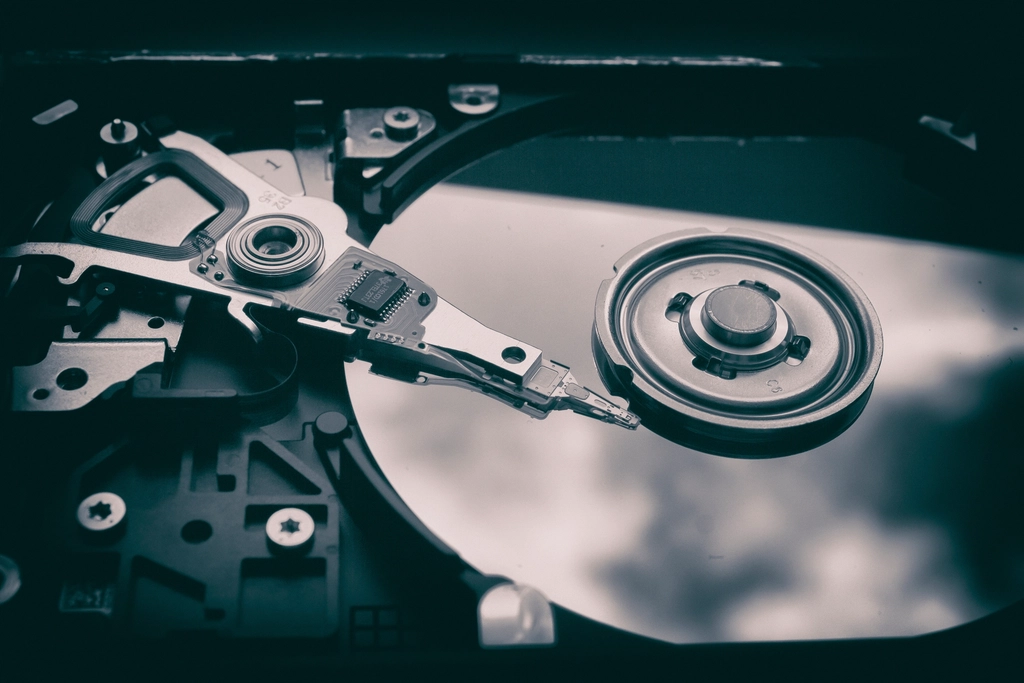
Every photographer eventually loses a drive. The ones who lose their work are the ones who had only one copy.
This guide is general information for creators and businesses in the U.S., not legal advice. Copyright, licensing and drone rules depend on the facts and change over time; check the Copyright Office, the FAA or a lawyer for your situation.
Quick notes
- Keep three copies of important files, on two different types of storage, with one copy off-site.
- Cloud sync isn’t a backup on its own: deletions and corruptions sync too, unless versioning protects them.
- Don’t format a memory card until its files are copied and verified in at least two places.
- A backup you’ve never restored from isn’t proven; test it.
Photo and video files are large, irreplaceable and stored on hardware that will eventually fail. A simple, consistent routine protects them far better than an expensive drive.
The 3-2-1 rule
| Part | Meaning | Example |
|---|---|---|
| 3 copies | The original plus two backups | Working drive, backup drive, cloud |
| 2 types of storage | So one failure mode can’t take everything | Internal SSD plus external hard drive |
| 1 off-site | Protection from fire, flood and theft | Cloud backup service or a drive kept elsewhere |
Sync vs. backup
Cloud sync services keep folders identical across devices. If you delete or overwrite a file, or ransomware encrypts it, the change syncs everywhere. A real backup keeps older versions you can go back to. If you rely on a sync service, turn on version history and check how long deleted files are kept.
From the camera to safety
- Copy cards to your computer as soon as the shoot ends.
- Back up the copy to a second location before you erase anything.
- Verify the copies: open a sample of files or use software that checks file integrity.
- Only then format the card, in the camera, not on the computer.
Studio tip: Use several smaller memory cards on important shoots instead of one huge card. A failed or lost card then costs part of a day, not all of it.
Organize so you can find things
- Use a consistent folder structure, such as year, then date and project.
- Rename files with dates and short descriptions.
- Keep model releases and licenses with the images they cover; see model and property releases.
- Keep original files as well as edited exports; originals help prove authorship if your work is copied, as in DMCA takedowns for stolen photos.
Test restores
At least a few times a year, restore a random folder from each backup and open the files. Check that external drives still mount and that cloud backups include recent work. Video projects deserve extra attention: make sure you’re backing up the project file, the footage and any audio, music and graphics it depends on.
FAQs
Are SSDs safer than hard drives?
They’re faster and handle bumps better, but any drive can fail without warning. The number and separation of copies matters more than the type of drive.
How long should I keep client files?
Set a policy and tell clients what it is, often in your contract. Keep originals at least as long as you might need them for reprints, disputes or copyright claims.
Should backups be encrypted?
For client work, personal images or anything sensitive, yes, especially for portable drives and cloud copies. Store the encryption keys or passwords safely, or the backup is useless.