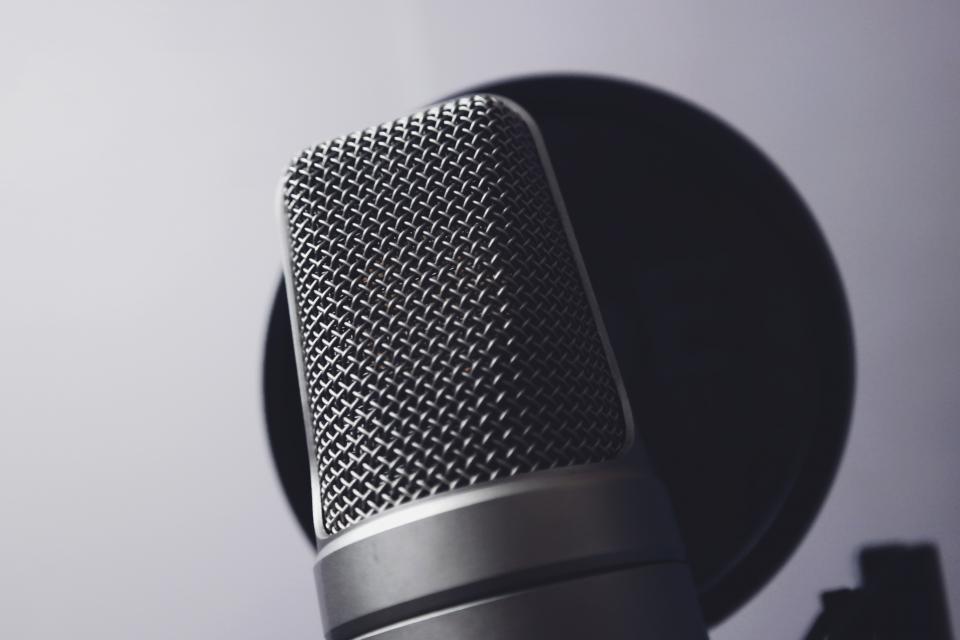
People will watch a slightly soft or shaky video. They’ll click away from one they can’t hear. Most audio problems are solved before you press record.
This guide is general information for creators and businesses in the U.S., not legal advice. Copyright, licensing and drone rules depend on the facts and change over time; check the Copyright Office, the FAA or a lawyer for your situation.
Quick notes
- Getting the microphone close to the speaker matters more than buying an expensive one.
- Soft furnishings tame echo; a closet full of clothes makes a decent voice-over booth.
- Set levels so speech peaks well below the maximum, and always monitor with headphones.
- Captions make video accessible and help the many viewers who watch with the sound off.
Video tutorials obsess over cameras, but audio is where small business videos most often fall apart: a voice lost in an echoey room, a buzzing air conditioner, or a speaker who drifts away from the phone.
Pick the right microphone
| Microphone | Best for | Watch out for |
|---|---|---|
| Lavalier (clip-on) | Talking-head videos, interviews, walking demos | Clothing rustle; hide the cable and secure the mic |
| Shotgun on the camera or a stand | Run-and-gun shooting and product demos | Needs to be close and aimed at the speaker |
| USB desk mic | Voice-overs, screen recordings, podcasts | Picks up keyboard and desk noise |
| Wireless mic kits | Moving subjects, events | Charge everything; carry spare batteries |
The single biggest improvement is distance. A mic six inches from someone’s mouth captures far more voice and far less room than a better mic six feet away.
Fix the room before you record
- Choose soft rooms. Carpets, curtains, sofas and bookshelves absorb echo; kitchens and empty offices bounce it.
- Kill the noise. Turn off fans, heating and air conditioning, and put phones in airplane mode to stop interference and notifications.
- Record 20 seconds of silence before you start, called room tone. It makes editing and noise reduction easier.
Studio tip: For voice-overs, a walk-in closet full of clothes is a surprisingly good recording booth. Face into the clothes, not toward the door.
Set levels and monitor
Speak at performance volume while you set levels. Aim for loud passages to peak well below the top of the meter, so a sudden laugh doesn’t clip and distort; clipped audio can’t be repaired. Wear closed headphones while recording so you hear problems as they happen, not in the edit.
Captions
Captions help viewers who are deaf or hard of hearing, and many people watch social video with the sound off. Most platforms can generate automatic captions; correct them before publishing, especially product names and numbers.
If you add music under your voice, keep it quiet, and make sure you have the right to use it: music in videos explains licensing. For the visual side of the same shoot, see product photos with a phone.
FAQs
Is my phone’s built-in mic good enough?
For a speaker within an arm’s length in a quiet room, sometimes. Beyond that distance it picks up more room noise and echo than voice. A small lavalier mic is one of the best upgrades you can make.
How do I get rid of background hum?
Turn off fans, air conditioning and refrigerators while you record if you can. Editing software can reduce steady noise, but heavy noise reduction makes voices sound processed.
Should I record audio separately from the camera?
For important shoots, yes. Record on a separate device as a backup and clap once at the start so you can line up the tracks in editing.